Ecostatus
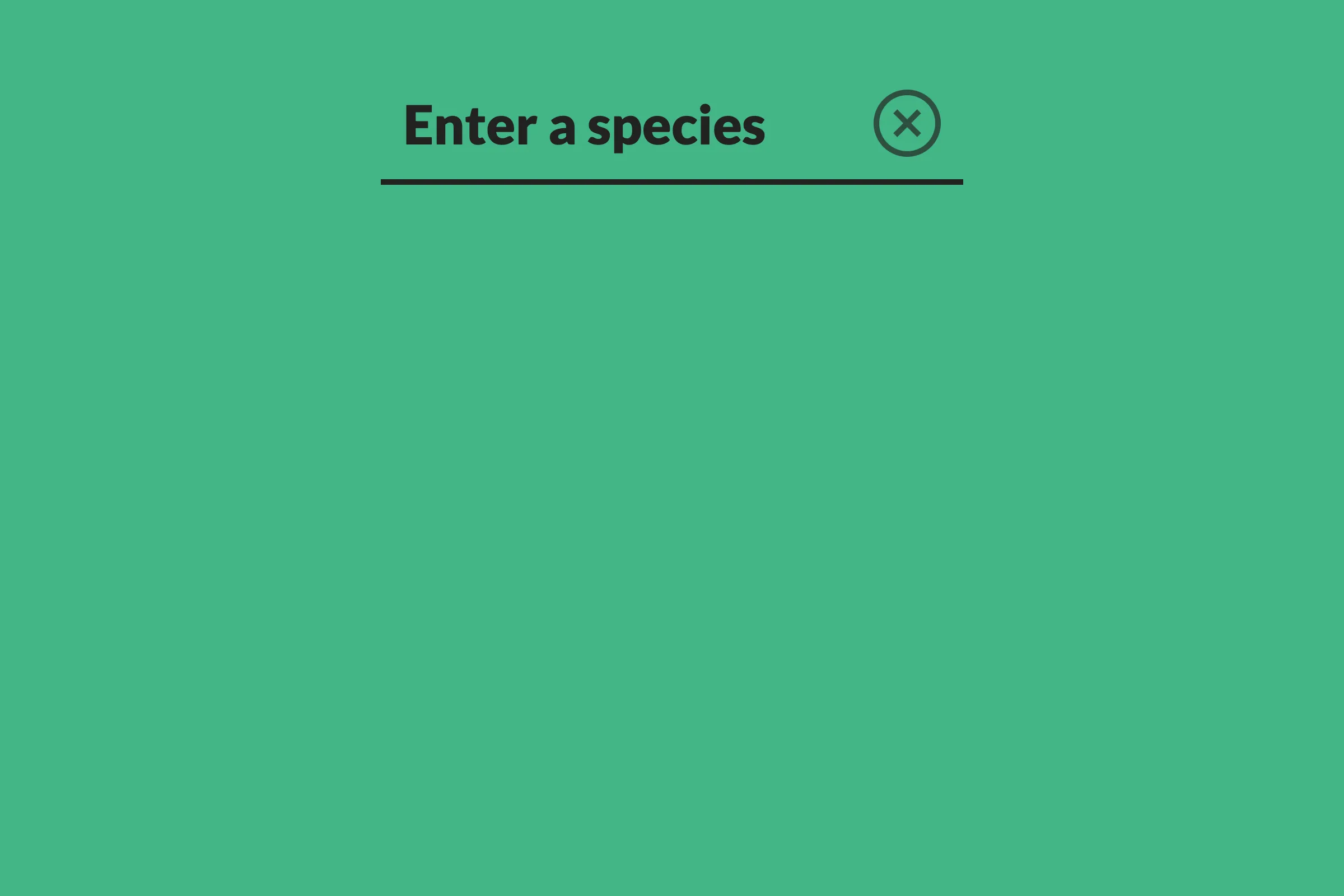
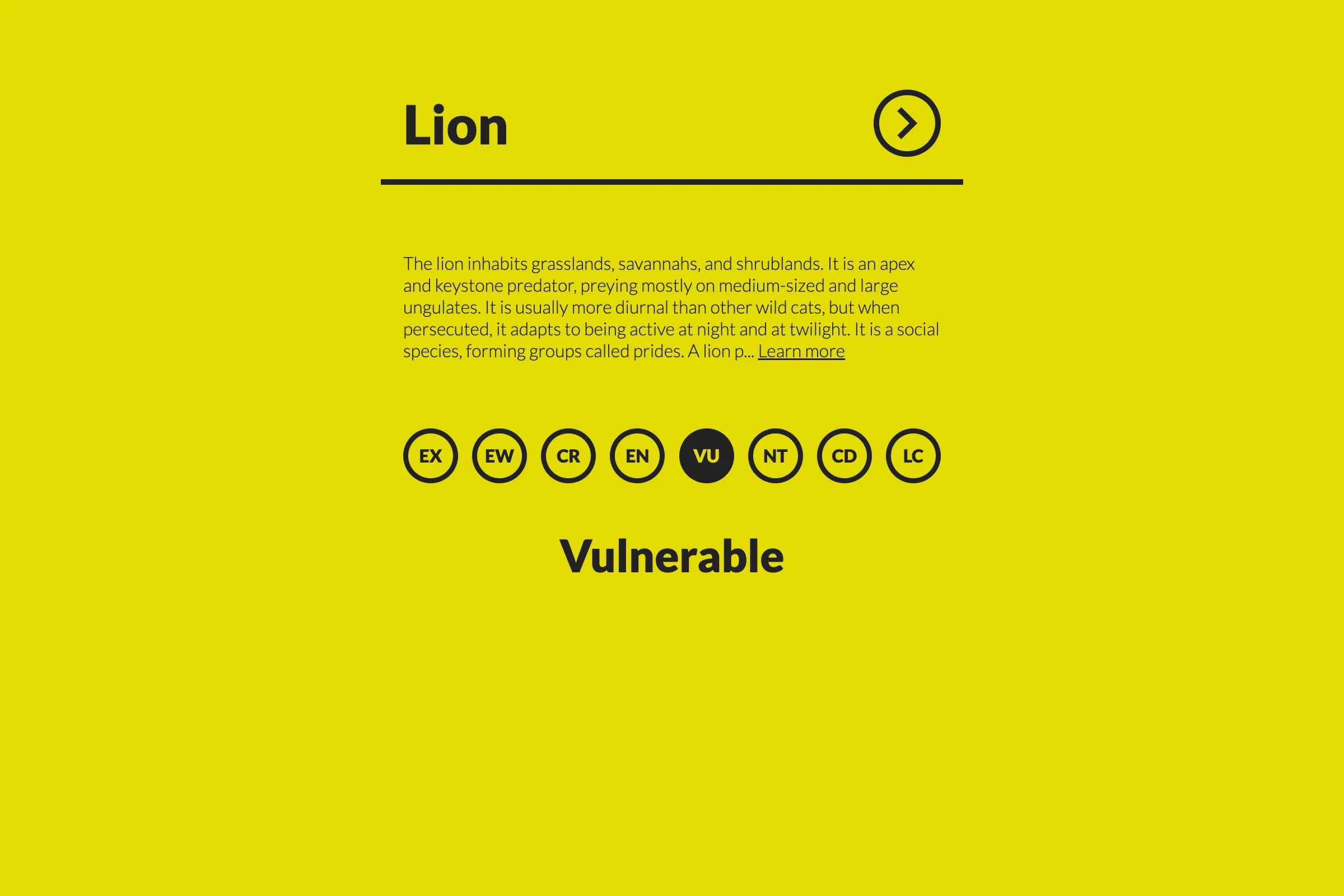
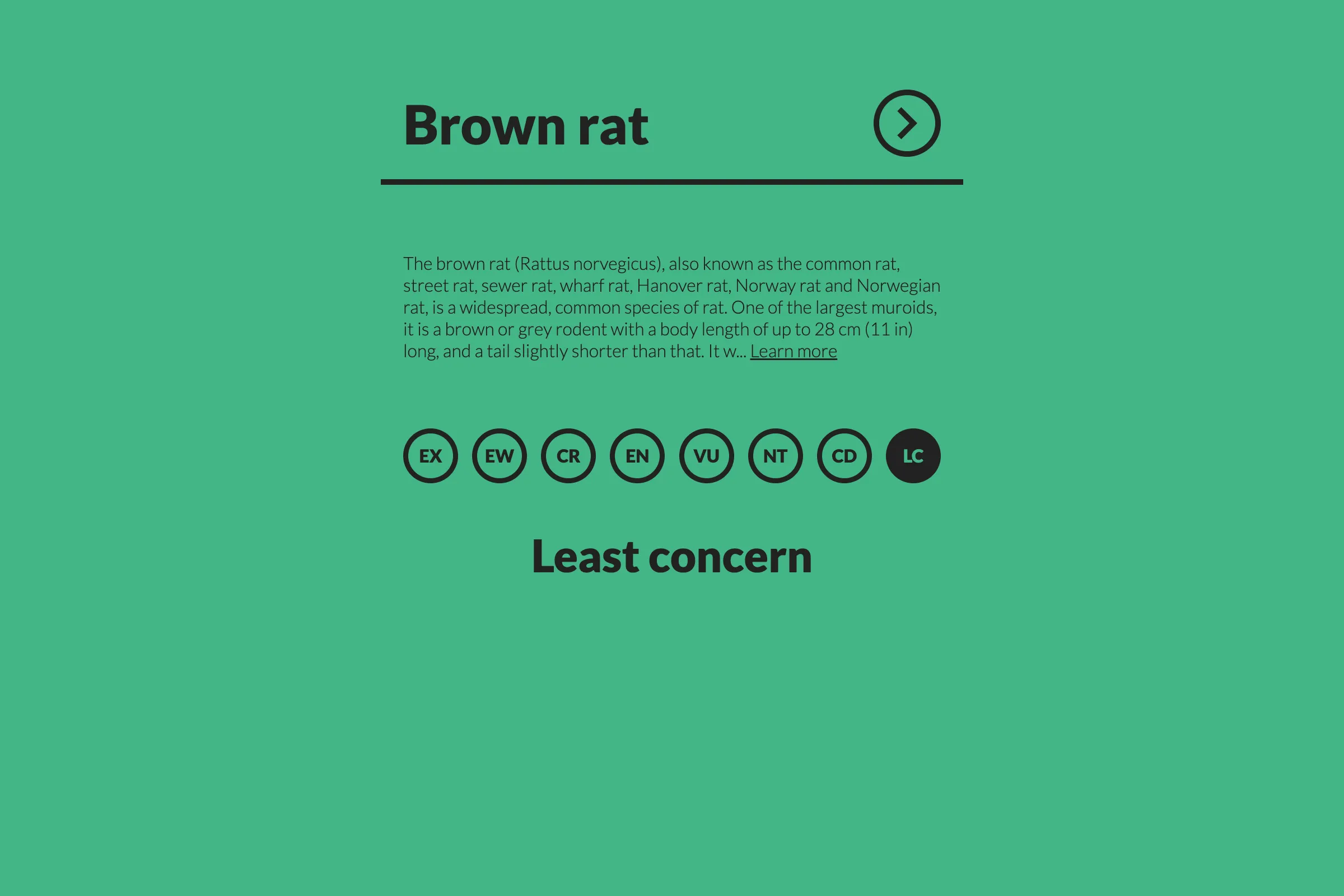
Ecostatus is a React web application that I used to get more familiar with the framework. The app allows users to search for any species and see its IUCN Red List conservation status. I wanted to combine learning React with making real API calls to update the UI, as I knew this would be helpful for building full applications later on.
The project integrates with the Wikipedia API to fetch species data, which presented some interesting challenges. Wikipedia doesn’t have a straightforward endpoint for conservation status, so I had to parse the HTML content returned by the API and extract the status information from the species infobox using DOM manipulation. This taught me about working with external APIs and handling data that doesn’t come in a perfectly structured format.
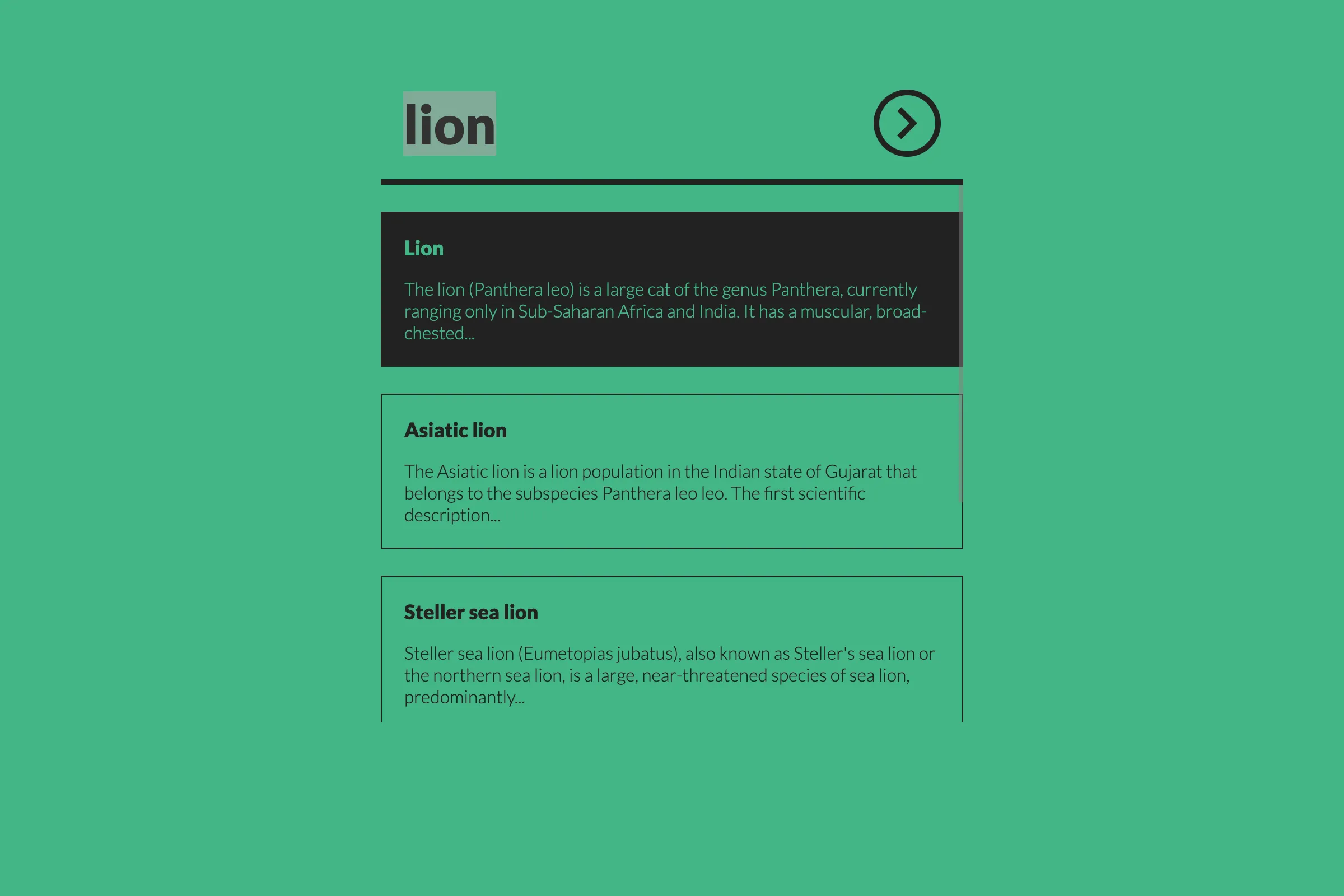
As part of experimenting with the API, I also implemented debounced search to optimise API calls and built an autocomplete feature with keyboard navigation, which gave me practice with React hooks like useMemo and useRef.
I wanted to add a something dynamic to the UI based on the result, so the background color transitions between green, yellow and red depending on the conservation status. With a few UI requirements, I also used this project as an opportunity to try out UI testing with React Testing Library, writing tests for API calls, error handling and different conservation status scenarios.
Looking back, this project was a great introduction to React fundamentals, API integration and the importance of handling edge cases (there are still a few I haven’t covered!). There were definitely moments where I had to debug why certain Wikipedia pages weren’t parsing correctly or figure out how to handle network errors gracefully. I hope the end result is a simple, clean and responsive app that feels smooth to use.
View project